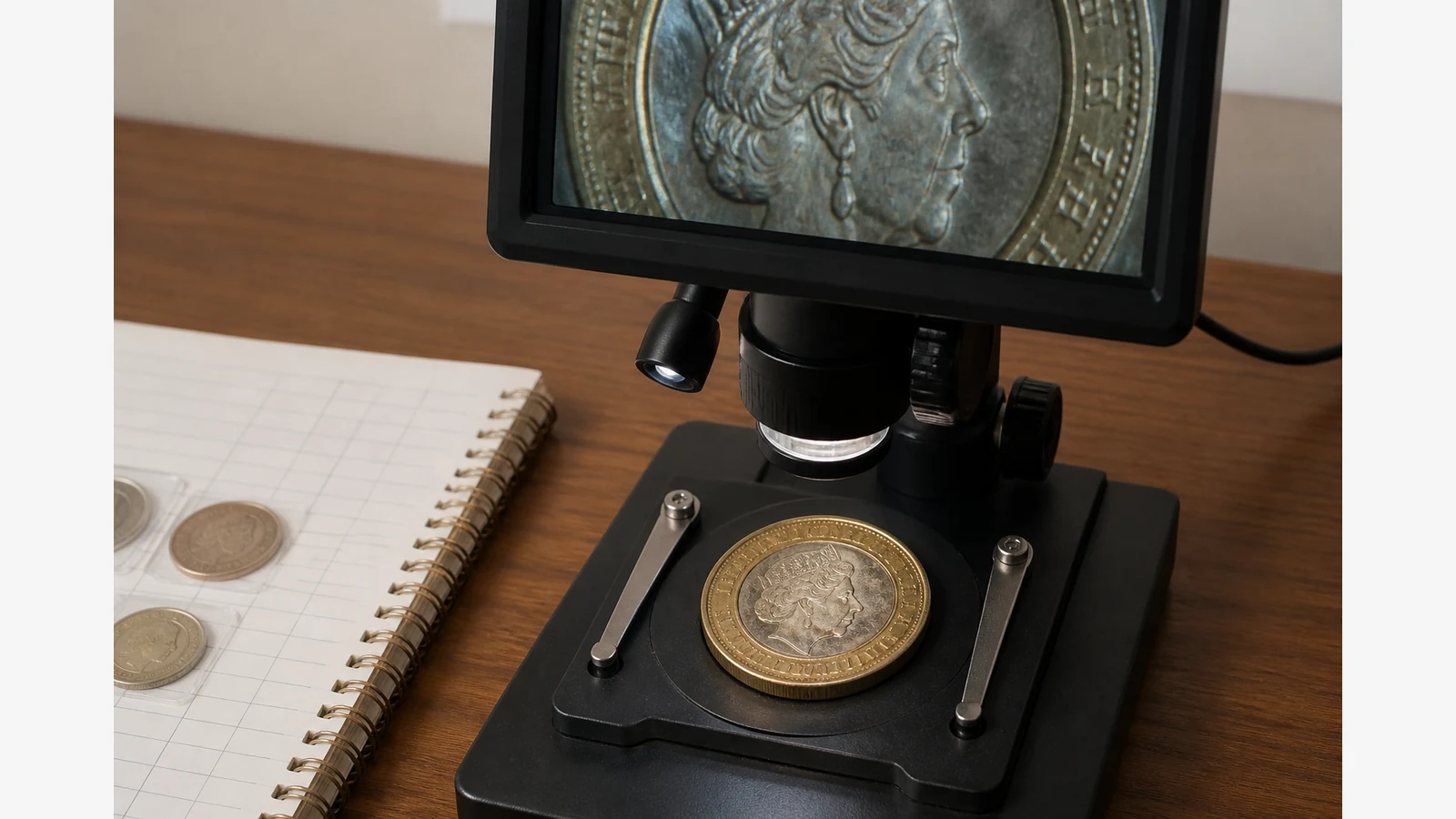
How To Photograph Coins With Digital Microscope Uk
For sharp UK coin photos with a digital microscope, use moderate zoom, a stable stand and angled light—and treat the images as catalogue notes, not a substitute for professional grading. Phone macros often blur edges; over-zoom invents “errors” from dust and handling marks.
What collectors actually use scopes for
Collector discussions note that loupes often suffice for many grading questions, while scopes help with varieties and closer authentication work—yet high magnification can mislead. Specialist imaging use-cases frame coin photography as documentation of mint marks and scratches; authentication and grading remain specialist judgements. Marketplace coin/LCD microscope listings for UK buyers emphasise full-coin framing and capture workflows for collectors rather than certified grades.
Collector checklist
- Clean handling. Hold coins by the edge; avoid polishing. Dust and fingerprints photograph as false damage.
- Full-face framing first. Raise the stand so the whole face (for example a £1 or £2) fits before cropping into legends.
- Oblique light for scratches. Soft side lighting reveals hairlines better than a bright overhead wash that flares the metal.
- Keep white balance consistent. Same lamp position and colour temperature across a catalogue session so wear looks comparable.
- Filename and catalogue habit. Use date, denomination and a short note (for example
2024-gbp-2-obv-note) so photos stay searchable.
Who should not rely on microscope photos alone
Sellers who need third-party certification should still use recognised grading services. A screen image is a personal record, not an official grade or authenticity certificate.
Loupe versus screen for roll hunting
For fast roll searching, a loupe is often quicker. Switch to the screen microscope when you need to document a suspected variety or keep a file for later comparison—not for every coin in the roll.
Related reading on this site: best microscope for coin collecting in the UK. If lighting glare on reflective metal looks familiar from electronics work, the same angle-first habit appears in reducing microscope glare. For screen-first bench choices, see LCD versus USB microscope setups.